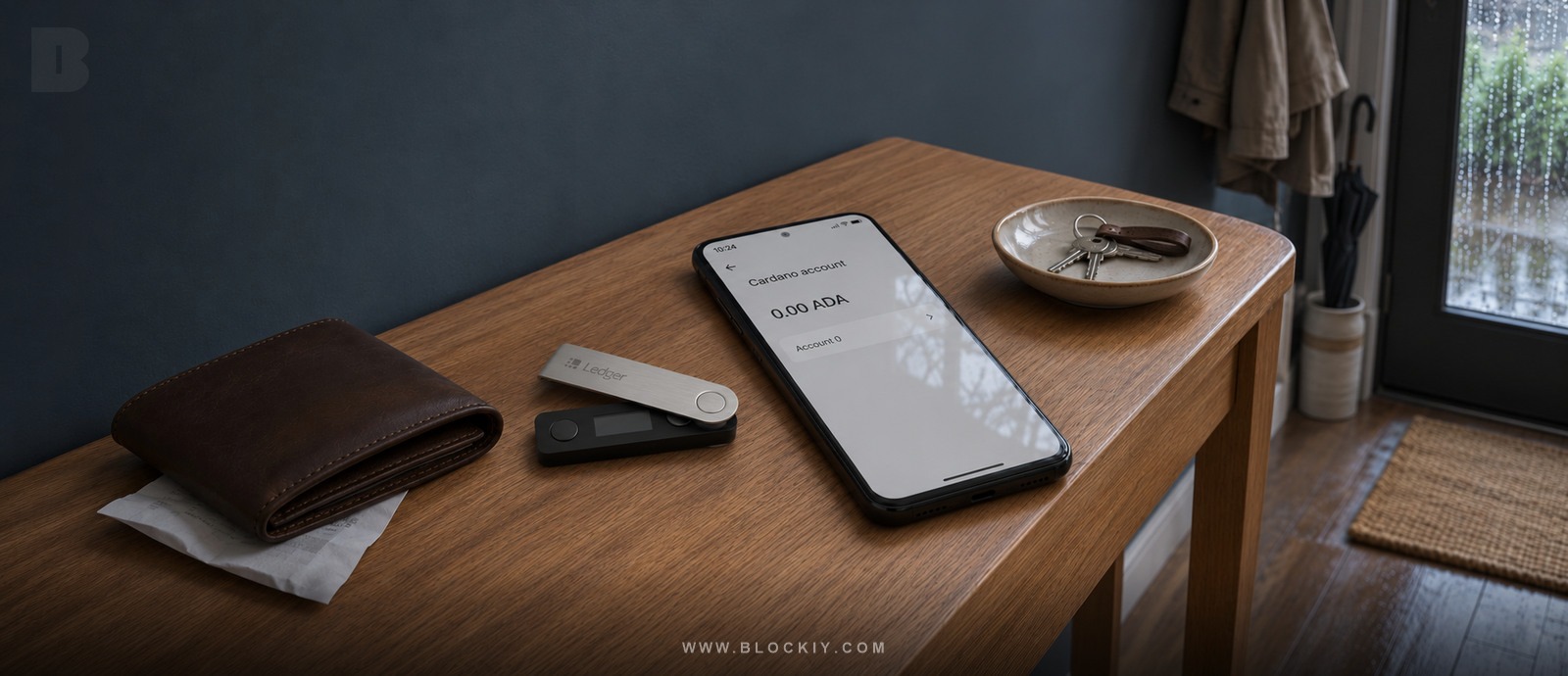
Restored Your Cardano Wallet but Your Balance Is Missing?
A Cardano wallet that shows 0 ADA after a restore may be looking at a different account, a different network, or an incomplete set of addresses. Start by checking a public record you already trust: a previous deposit transaction or an old receiving address. You don't need to connect your wallet, sign anything, or enter your recovery phrase to do this.
Before you begin: Don't reset a hardware wallet or erase an old wallet that still works. Never send your recovery phrase, private keys or optional passphrase to support. If you already entered your phrase on an untrusted site or shared it with someone, treat it as compromised even if the balance still looks normal. Use a trusted wallet on a clean device with a new backup to secure any funds you can still access. Confirm that the new receiving address is yours before moving funds.
1. Find the old balance on-chain
Find the transaction ID from the original wallet, a withdrawal receipt from an exchange, or an old receiving address you saved. Open a read-only Cardano explorer and select the network used for that transaction. A modern Cardano mainnet payment address starts with addr1; addr_test1 is a testnet prefix. Older Byron-era addresses look different.
If you start with a transaction ID, open its outputs and find the address that actually received your payment. Then check that address and the account's other known addresses for unspent outputs. An output is a piece of funds the transaction delivered to an address. If it was later spent, look at the spending transaction before assuming the ADA left your wallet. It may have returned to another address in the same account as change. One old address can show zero while the account still holds ADA elsewhere.
If the old transaction is an exchange withdrawal, match its destination address to your records. An exchange account balance that you never withdrew is held by the exchange; restoring a personal Cardano wallet cannot bring it into that wallet.
2. Compare the old account with the one you restored
Check the restored wallet's network and account selector. If you know its stake address, compare the full value with the stake address of the old account, when the old payment address carries one. A match is a useful clue that you found the same staking account. It does not prove that the app has discovered every payment address, and some payment addresses don't carry a stake credential. A newly displayed receiving address can differ from your old one simply because the wallet uses multiple addresses.
| What you see | What to check next |
|---|---|
| Old funds are still visible on-chain and the old stake address matches | Check sync status and whether the app has found all used receiving and change addresses. |
| Old funds are still visible, but the stake addresses differ | Check the network, original wallet type, account index and whether you used an optional passphrase. |
| One old payment address is empty | Look for the spending transaction, possible change, and balances on other addresses tied to the account. |
| The outgoing transaction paid an unfamiliar destination | Check whether it was a transfer you recognize or change you control. If you suspect unauthorized access, stop exposing secrets and follow official incident guidance. |
3. Check the account index, not just the wallet name
A single recovery phrase can generate multiple Cardano accounts. Account index 0 is the first; index 1 is the second. Wallet names are labels you can change, so a familiar name alone doesn't identify the account.
Example: You originally kept 750 ADA in the second account. The new app opens account 0 and shows zero. The explorer still shows unspent ADA at old addresses. Add account index 1 under the existing wallet in an app that supports it, then compare its stake address with your old record. In Lace V2, the relevant action for an existing software wallet is Add account under that wallet, not Add wallet. If the interface doesn't match, use the app's official documentation rather than entering your phrase again on a different site.
4. Use delegation only as a cross-check
If you used to stake, an explorer may show which pool your old stake address delegated to. Compare the pool ID, not just the ticker. Many people delegate to the same pool, so a matching pool is not proof you've recovered your wallet. A missing delegation label is not proof the ADA is gone either.
If your old pool is listed in Blockiy's directory, you can use the directory to cross-check the pool's identity. It does not show your wallet balance or verify that you control an address. Browse Blockiy Verified Pools
5. Restore the same kind of wallet
- Hardware wallet: Pair the hardware device with a compatible wallet interface and select the known Cardano account. If your device needs replacing, follow its official hardware recovery procedure. Do not import the hardware device's recovery phrase into a browser extension or website. An optional hardware passphrase, if you originally used one, selects a different wallet; it is not your device PIN or the app's spending password.
- Software wallet: Identify the original wallet and backup type. A valid recovery phrase can still belong to a different wallet. If you used an old Byron-era wallet, check for an official legacy recovery or migration flow; a modern restore option may not reproduce its addresses.
- Same account, still short: Check synchronization and address discovery. Look for missing higher-index addresses, a different single-address or multi-address display, and rewards shown separately from spendable ADA. Keep the original wallet intact while you check what the replacement actually found.
What to send to official support
If the issue remains, start with the app name and version, whether the original wallet was hardware or software, the network, the account index, and what the explorer showed. If needed, share a relevant public address or transaction ID privately with official support, knowing it can reveal transaction history. Do not share recovery words, private keys, passphrases, PINs, wallet backup files or screenshots that expose them.
The most useful first question is where does the public ledger show the funds now? Once you answer that, you can distinguish a wallet display problem from an account mismatch or an actual transfer, without risking your backup.