How to Read a Cardano Whale Transfer Without Jumping to Conclusions
A large ADA alert tells you that something moved on Cardano. It doesn't tell you who owns the receiving address or whether anyone sold. To work out what the transaction actually shows, start with the individual outputs rather than the biggest number on the screen.
1. Find the transaction on Cardano
Open the transaction linked from the alert and match its transaction hash, the unique reference for that transaction. Check the block and time, then find the ADA amount and address for each output. If two alerts have the same hash, they refer to the same transaction, even if they highlight different outputs.
If the alert shows an estimated dollar value, keep that separate from the amount of ADA. A dollar estimate based on the price at collection time isn't the amount someone received for selling.
2. Separate the payment from possible change
Cardano spends whole pieces of previously received funds, called unspent transaction outputs, or UTXOs. If a wallet uses a piece worth more than it needs, it can send the leftover ADA back to a change address. That address can look different from the one the wallet spent from.
Here's a fictional example. A wallet uses a 1,000,000 ADA input to send 100,000 ADA, with an illustrative fee of 0.25 ADA.
| What the transaction shows | Amount | How to read it |
|---|---|---|
| Input consumed | 1,000,000 ADA | The old output the wallet spent in full |
| Output A | 100,000 ADA | The intended payment in this example |
| Output B | 899,999.75 ADA | The change returned to the sender in this example |
| Network fee | 0.25 ADA | The difference between the input and the two outputs |
We know Output B is change here because we defined the example that way. In a live transaction, size and order alone don't tell you which output is change. A shared staking credential can be a clue that two payment addresses are related. It doesn't establish who can spend from both addresses. If the evidence is limited, write “possible change” rather than assuming.
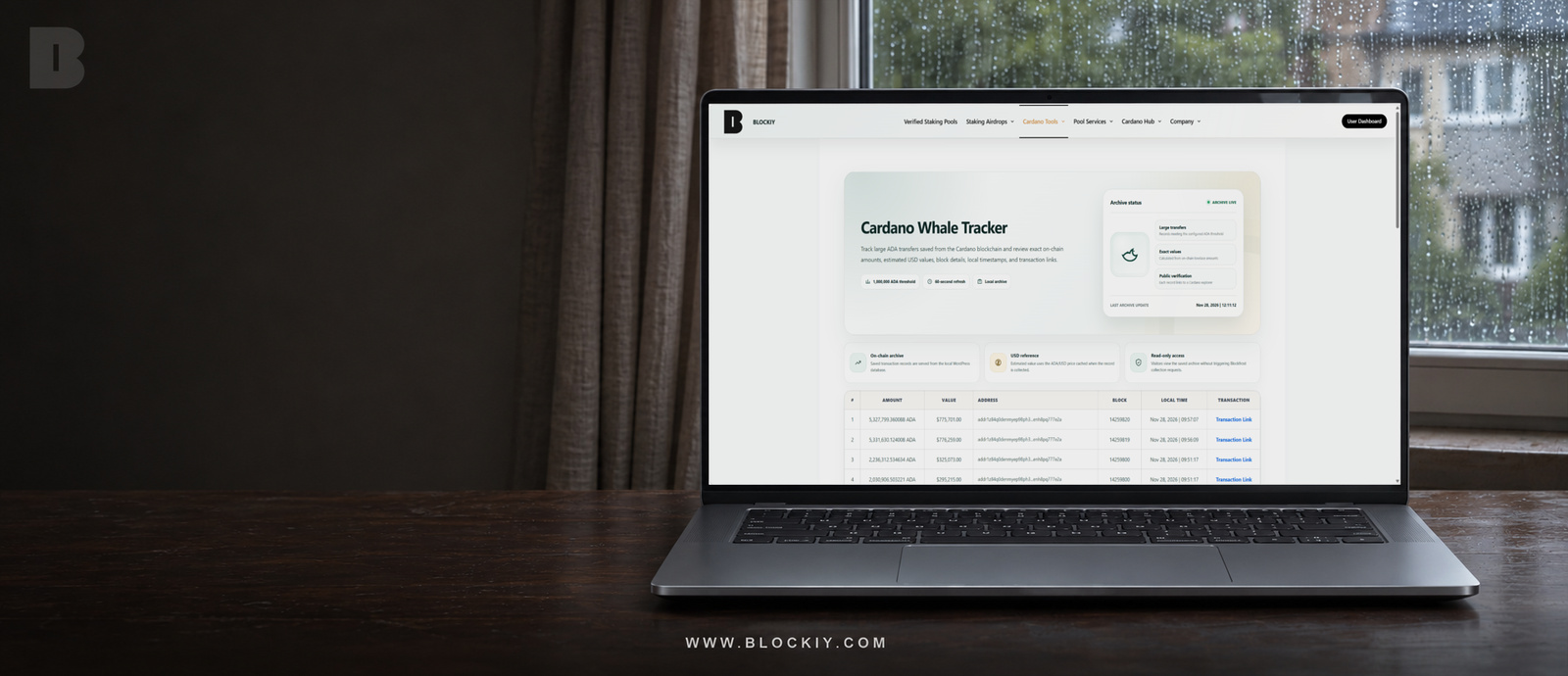
To try this on an actual record, use the Blockiy Whale Tracker. Pick a row in the archive, note its ADA amount and block, then open the linked transaction and compare the reported amount with the individual outputs.
3. Treat address labels as clues
A transfer to an address labeled as an exchange deposit may be consistent with a deposit. Check where the label came from. A label copied between explorers doesn't count as independent confirmation, and an unlabeled address isn't necessarily a new wallet.
Even a verified exchange deposit doesn't show a sale. Funds may remain in custody, be moved between the exchange's own wallets, or be used elsewhere on the platform. If a trade happens on a centralized exchange's internal order book, it won't appear as a Cardano swap in that transfer.
4. Look for evidence of a swap before saying ADA was sold
On a decentralized exchange, look for a completed swap showing ADA exchanged for another asset. An order submission or a transfer to a script address doesn't establish that the order filled; the script could also be handling an order, a liquidity deposit or another action. If you can verify a completed swap, report what it exchanged and in what amount. It still doesn't tell you why the trader did it or what ADA's price will do next.
What to write after checking
- Observed: “This Cardano transaction created a 100,000 ADA output to the indicated address.”
- Possible explanation: “The other output may be change; its owner isn't confirmed.”
- Unknown: “The transaction does not show a sale.”
Those three lines let you share what happened without turning a large transfer into a claim the ledger can't support.